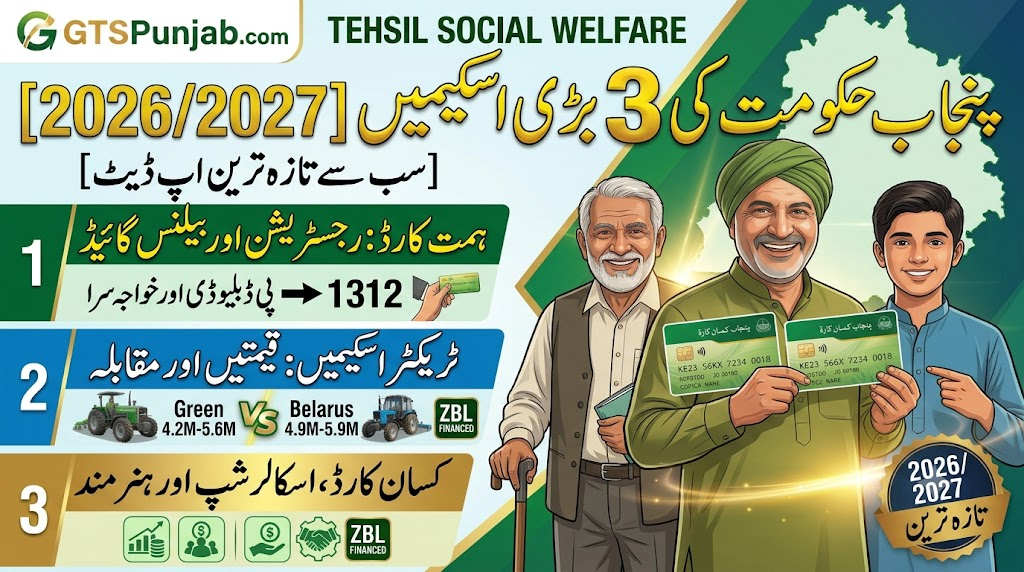
The Government of Punjab, under the leadership of Chief Minister Maryam Nawaz Sharif, has introduced the CM Punjab Himmat Card Scheme to provide financial independence to persons with disabilities (PWDs/Khwajasira/Special Persons). This social welfare project aims to support individuals who are unable to pursue regular employment due to physical or mental constraints.
Through the Himmat Card, eligible beneficiaries receive a quarterly or monthly stipend directly into their dedicated bank accounts. However, many special persons face difficulties in verifying their payment status, checking their remaining balance, or tracking whether their current monthly installment has been credited.
This comprehensive guide explains everything about checking your Punjab Himmat Card monthly installment status online, utilizing ATMs, and fixing common payment suspension issues in 2026.
Technical Overview of Himmat Card Payments 2026
To understand how the stipend flows from the Punjab IT Board (PITB) and the Department of Social Welfare to your pocket, review the essential system configurations below:
| Feature/Metric | Operational Specification (2026 Updates) |
| Program Title | Chief Minister Punjab Himmat Card Initiative |
| Executing Body | Department of Social Welfare & Bait-ul-Maal, Punjab |
| Banking Partner | Bank of Punjab (BOP) |
| Stipend Amount | PKR 10,500 per Quarter (Distributed as PKR 3,500 Monthly equivalent) |
| Tracking Identifier | 13-Digit NADRA CNIC / Special CNIC Number |
| Official Helpline | 1312 (Social Welfare Digital Assistance) |
How to Check Punjab Himmat Card Monthly Installment Online
The Government of Punjab, in collaboration with the Punjab Information Technology Board (PITB), has launched an online tracking mechanism. Beneficiaries no longer need to stand in long queues at government offices to check their balance status.
Follow these step-by-step methods to verify your payment allocation:
Method 1: Verification via the Official BOP Kissan/Social Welfare Portal
Since the financial transactions are routed directly through the Bank of Punjab (BOP), the most reliable online check is performed via their integrated portal:
- Open your web browser and navigate to the official BOP Social Welfare Portal.
- Look for the dedicated segment labeled “Himmat Card Payment Tracking”.
- Enter your 13-digit CNIC number without any spaces or dashes (e.g.,
3520212345679). - Click on the “Search” or “Check Status” button.
- The system will pull up your profile, showing the exact date of your latest monthly installment transfer, active status, and any pending clearing blocks.
Method 2: Checking Balance via Mobile ATM Wallet App
If you have configured your digital mobile wallet linked with your BOP corporate branch account:
- Open the BOP Mobile Banking Application on your smartphone.
- Log in using your biometric data or permanent passcode.
- Navigate to the “Card Management” or “Account Summary” page.
- Select your active Himmat Card Profile to view your real-time available balance instantly.
Also Read More About: Punjab Himmat Card Program 2026
Step-by-Step Guide to Activate Your Himmat Card at an ATM
If your online status shows that the money has been disbursed but you are unable to withdraw it, your physical card might still be inactive. Follow this simple procedure to activate your card at any Bank of Punjab (BOP) ATM terminal:
- Visit the ATM: Go to the nearest operational BOP ATM machine.
- Insert Card: Insert your physical Himmat Card into the card slot as directed by the flashing green light.
- Language Selection: Choose your preferred language (Urdu or English) on the display interface.
- Initial Setup OTP: The screen will prompt you that this is a first-time activation. A 4-digit One-Time Password (OTP) will be sent via SMS to the mobile number you registered during your biometric survey at the Social Welfare office.
- Enter OTP & Set PIN: Input that OTP code on the screen, and then immediately type a new, secret 4-digit ATM PIN code of your choice. Re-enter it to confirm.
- Final Verification: Your card is now successfully activated. You can proceed to select “Cash Withdrawal” or “Balance Inquiry”.
Why Is Your Himmat Card Payment Stopped? (Common Issues & Fixes)
If your status check indicates a “Suspended” or “Blocked” status, it is usually triggered by automated validation loops between NADRA and the Social Welfare database. Here are the primary reasons and how to resolve them:
- Missing Biometric Re-Verification: Every six months, the State Bank of Pakistan dictates a security check for social safety net cardholders. If you skipped your biometric re-verification milestone, your profile drops into a temporary dormancy block. Visit your nearest BOP branch with your original CNIC to update your live fingerprints.
- NADRA Profile Modification: If you recently renewed your CNIC and changed your address, or if your disability status log was modified in the national identity database, the PITB platform temporarily halts disbursements until a manual review is performed.
- Mismatched Mobile Number SIM: The mobile phone number linked to your registration must be registered with the cellular network against your own CNIC. If you are using a SIM registered under a family member’s name, the system flags it as an authentication risk and stops sending transactional alerts.
Frequently Asked Questions (FAQs)
Q1: Can an individual receiving the Benazir Income Support Program (BISP) also apply for the Himmat Card?
Ans: No. To ensure that social subsidies reach as many families as possible, the Punjab Government restricts individuals from double-dipping. If you are already an active beneficiary receiving quarterly stipends from BISP or the Khidmat Card program, your Himmat Card registration will show an automatic rejection flag due to duplicate profile identification.
Q2: Is there any fee for checking the Himmat Card balance at a non-BOP ATM?
Ans: While balance inquiries are absolutely free at any Bank of Punjab (BOP) ATM terminal, using a third-party commercial bank’s ATM machine (like HBL, UBL, or MCB) may incur standard 1-Link processing fees ranging from PKR 2.50 to PKR 15 per transaction according to central bank regulations.
Q3: What should I do if my Himmat Card is lost or physically damaged?
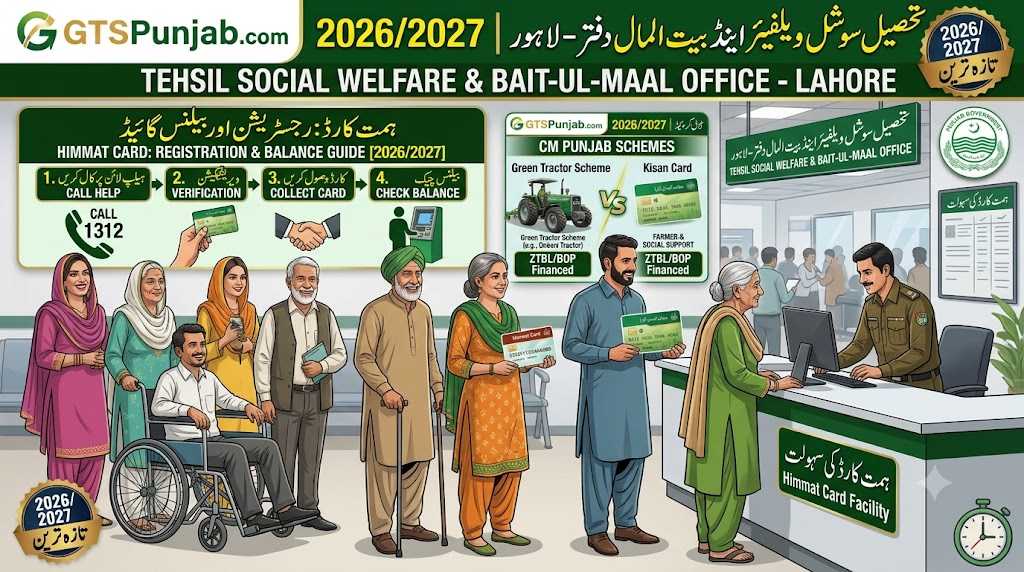
Ans: Do not attempt to re-register on the portal. Visit your regional Tehsil Social Welfare & Bait-ul-Maal office immediately. Submit a written request detailing the loss along with a copy of your Special CNIC. The desk officer will initiate a card replacement workflow through the Bank of Punjab, and your new card will be issued within 15 working days.
Q4: How often are the Himmat Card installments transferred?
Ans: The financial framework allocates PKR 3,500 per month. However, to reduce transit issues and make it easier for special persons to collect substantial capital, disbursements are bundled and credited as a consolidated payment of PKR 10,500 every three months (Quarterly).
Official Government Links & Emergency Help Channels
For manual complaints, official application tracking, and secure platform verifications, always depend exclusively on authorized official channels:
- Social Welfare Department Main Portal: Punjab Social Welfare & Bait-ul-Maal Platform
- Financial Tracking Dashboard: Bank of Punjab Digital Kissan Portal
- Database Oversight Authority: Punjab Information Technology Board (PITB)
- Direct Complaint Line: If you face corruption, delays, or technical refusal from any retailer or branch official, dial the Punjab Chief Minister’s Complaint Cell helpline directly at 1312 or log your application via the Citizen Portal app.